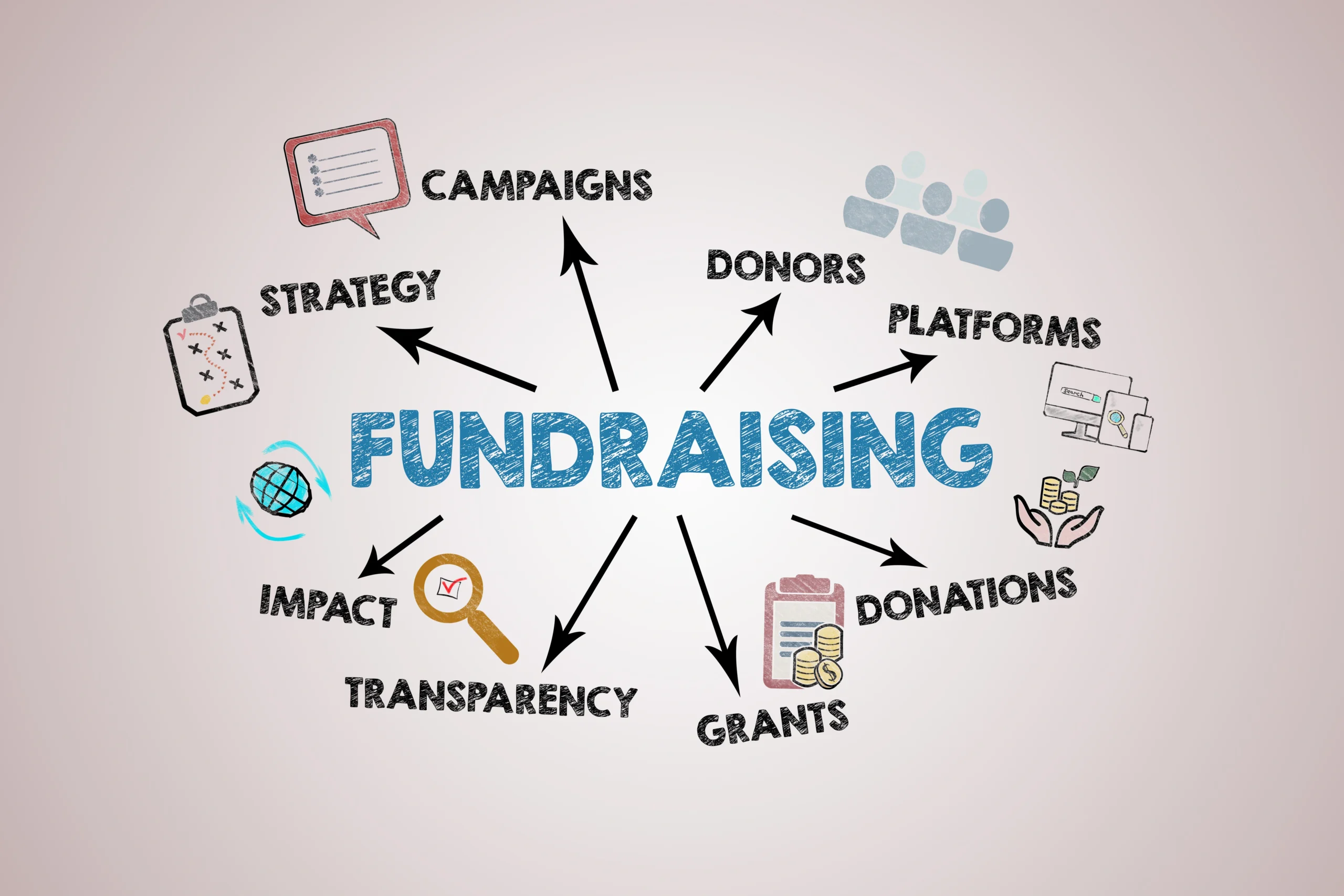
Choosing the best fundraising software for nonprofits becomes increasingly important as an organization expands its fundraising activities. Managing donations through spreadsheets, using separate tools for payment processing, and maintaining donor records manually can make it difficult to keep information organized. Campaign progress, recurring contributions, and donor communication may all require separate processes.
A right nonprofit fundraising software brings these activities together in one platform. It gives fundraising teams a centralized way to manage online donations, organize campaigns, maintain donor records, and review fundraising performance.
However, fundraising platforms differ in the features they offer and how they support an organization’s requirements. Before choosing one, it is important to understand which capabilities matter most. Here are five features nonprofits should compare when evaluating fundraising software.
1. Online Donation Forms and Payment Processing
Online donation forms are an important part of the digital giving experience. They provide supporters with a way to contribute to an organization without needing to contact the fundraising team or complete a manual payment process.
When comparing fundraising software, look for customizable, mobile-friendly donation forms that make it easy for supporters to understand a campaign and complete their contributions.
Consider whether the platform offers:
- Customizable donation forms: Add your organization’s branding, campaign details, and suggested donation amounts.
- Mobile-friendly giving: Ensure supporters can complete donations comfortably on phones and tablets.
- Multiple payment methods: Check which payment options are supported and whether they suit your donor base.
- Secure payment processing: Understand how transactions are processed and what security measures are in place.
- Automatic donation recording: Ensure completed online donations are captured in donor records without requiring separate manual entry.
Also consider whether the software allows organizations to create different donation forms for individual campaigns and fundraising initiatives. For example, a nonprofit running an annual appeal, a capital campaign, and an emergency fundraiser may need separate forms with different messaging and donation options.
A straightforward donation process makes it easier for supporters to contribute and gives the organization a consistent way to collect and record online gifts.
2. Fundraising Campaign and Goal Management
Nonprofits often manage several fundraising initiatives throughout the year. These may include annual giving campaigns, event fundraisers, capital campaigns, and appeals for specific programs.
Fundraising campaign management features allow teams to organize these activities within one system and monitor their progress. Instead of maintaining separate records for every initiative, organizations can review campaign information from a centralized platform.
Look for the ability to:
- Create and manage multiple fundraising campaigns.
- Set fundraising targets for individual campaigns or activities.
- Track donations and pledges against campaign goals.
- Monitor campaign progress while fundraising is underway.
- Review campaign results to understand which initiatives are performing well.
For example, a nonprofit running an annual giving campaign alongside a fundraising event should be able to review each initiative separately. The team should know how much each campaign has raised, how close it is to its target, and where additional outreach may be needed.
Campaign-level tracking also makes it easier to compare results across fundraising initiatives. These insights can inform future campaign planning, including the goals organizations set and the approaches they use to reach supporters.
3. Recurring Donations and Pledge Management
Nonprofit contributions do not always come as one-time gifts. Some supporters prefer to donate monthly or quarterly, while others commit to a larger contribution and fulfill it through scheduled installments.
Fundraising software should support these different giving arrangements and provide a clear record of both received contributions and expected donations.
Important capabilities include:
- Recurring donations: Support monthly, quarterly, and annual giving schedules.
- Pledge management: Record donor commitments and track the amounts pledged.
- Installment tracking: Monitor scheduled payments and outstanding pledge balances.
- Payment monitoring: Identify successful, missed, or pending recurring contributions.
- Donor giving history: View previous contributions alongside current commitments.
For instance, a donor may pledge $5,000 toward a capital campaign and choose to contribute the amount over several installments. The nonprofit needs to track the original commitment, payments received, and remaining balance.
Without a structured pledge management process, these details can become difficult to maintain. A fundraising platform with recurring donation and pledge tracking capabilities gives teams a clearer picture of expected contributions and outstanding commitments.
These features are particularly useful for organizations that depend on regular giving programs or manage larger donations through multi-installment pledges.
4. Donor Communication and Automated Acknowledgments
Communication is an important part of managing donor relationships. After receiving a contribution, nonprofits need to acknowledge the gift, provide relevant information, and maintain appropriate communication with supporters.
Fundraising software should make it easier to manage these interactions while keeping communication records connected to donor information.
Useful features include:
- Automated donation receipts: Generate and send receipts after a contribution is recorded.
- Donation acknowledgments: Send thank-you messages without requiring staff to prepare each one manually.
- Email templates: Create reusable messages for campaign updates, acknowledgments, and donor communications.
- Donor communication history: Maintain a record of interactions and messages associated with each supporter.
For example, someone who contributes to an education program should receive an acknowledgment confirming the gift. The organization can then share relevant updates about the program or explain how the contribution supports its work.
A centralized communication history also gives fundraising staff useful context before contacting a donor. They can review previous contributions and interactions rather than approaching every conversation without knowing the supporter’s history.
When evaluating donor communication features, consider whether the platform allows teams to personalize messages and maintain consistent communication across different campaigns and giving activities.
5. Fundraising Reports and Analytics
Fundraising reports provide nonprofit leaders with information about donation activity, campaign performance, and donor contributions. They should do more than display the total amount collected. Organizations also need to understand where donations are coming from and how fundraising activities are performing.
A fundraising platform should provide reports and dashboards that make this information accessible without requiring teams to compile data manually.
Compare whether the software allows you to:
- Track donations by campaign, fund, donor, and date.
- Monitor campaign performance against fundraising targets.
- Review recurring gifts and outstanding pledges.
- Identify giving patterns and changes in donor activity.
- Generate standard and custom fundraising reports for internal review.
For example, a nonprofit reviewing its annual fundraising results may want to compare contributions across campaigns, identify which funds received the most support, and understand how much was raised through recurring gifts.
Reports such as LYBUNT (donors who gave last year but have not given this year) and SYBUNT (donors who gave in previous years but not last year or this year) can also help teams identify supporters who may need re-engagement.
Access to organized fundraising data gives leaders a clearer basis for evaluating results, identifying trends, and planning future fundraising activities.
How to Choose the Right Fundraising Software for Your Nonprofit
Once you have compared the essential fundraising features, consider how well the platform fits your organization’s size, budget, and working requirements.
A few practical factors to review:
- Budget: Look beyond the subscription price. Check transaction charges, setup fees, and costs for additional users or features.
- Ease of use: Choose a platform your fundraising team can use comfortably without extensive technical knowledge.
- Integrations: Check whether it connects with your accounting software, payment systems, and other tools your organization relies on.
- Implementation and support: Understand the onboarding process, data migration requirements, training, and ongoing customer support.
- Room to grow: Consider whether the platform can accommodate more donors, campaigns, and fundraising activities as your organization expands.
It is also worth requesting a demonstration before making a decision. Ask the provider to walk through everyday tasks such as creating a donation form, recording a gift, tracking a pledge, and generating a campaign report. This gives your team a better understanding of how the software fits into its actual workflow.
Choose Software That Supports Your Fundraising Goals
The best fundraising software for nonprofits should bring together the activities that keep fundraising organized: accepting donations, managing campaigns, tracking recurring gifts and pledges, communicating with supporters, and reviewing results.
The right choice depends on how your organization raises funds and what your team needs to manage those activities effectively. Comparing donation management, campaign tracking, donor communication, and reporting capabilities before buying can help you select a platform that supports your current requirements without creating unnecessary complexity as your fundraising program grows.
FundThrive by MentisSoft brings donation management, campaign management, donor communication, and fundraising reports together in one platform. Nonprofits can manage one-time and recurring contributions, track pledges, organize campaigns, and maintain donor information in a centralized system.
If your organization is evaluating nonprofit fundraising software, explore FundThrive to see how it supports fundraising activities from donation collection to reporting.